You have the chart.
Now check your idea.
Start with 2 free Scans and see what a second opinion adds to your analysis.
Try 2 free Scans01 Screenshot
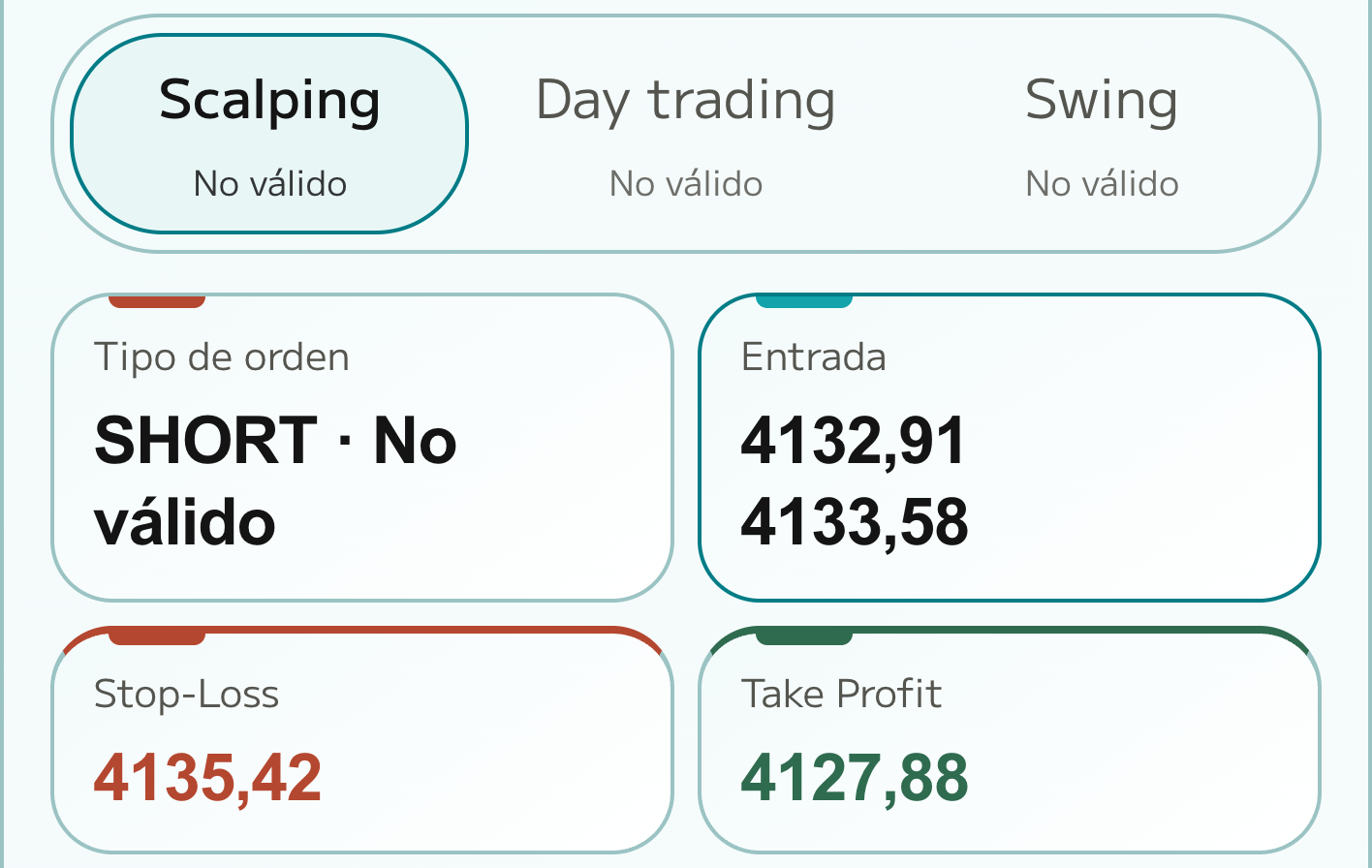
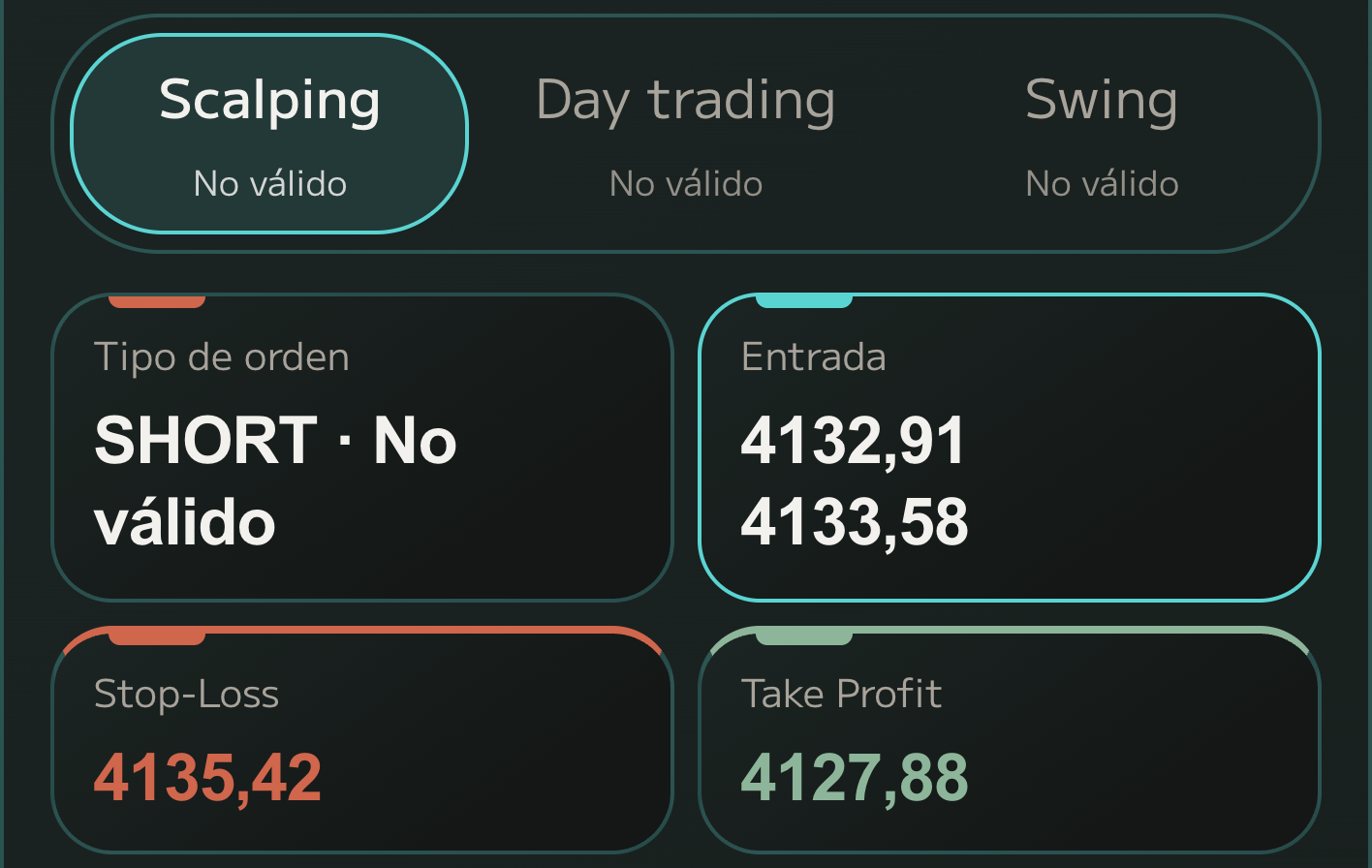
01 Screenshot
Upload your chart as it is
A screenshot from TradingView, your exchange or your broker. Up to six of the same asset, in the timeframes you trade.
02 Read
We identify the asset, free
AI reads the asset, timeframe and last visible price. If anything is unclear, it asks before a Scan is used.
03 Calculate
Levels from real data, not guesses
The levels don’t come from the image: the engine pulls real market candles and calculates structure, zones and indicators.
04 Plan
Entry, Stop Loss and Take Profit
Direction, entry zone, Stop Loss, Take Profit and R:R, for Scalping, Day and Swing. You decide whether to take it.
-
01 Screenshot
A screenshot from TradingView, your exchange or your broker. Up to six of the same asset, in the timeframes you trade.
-
02 Read
AI reads the asset, timeframe and last visible price. If anything is unclear, it asks before a Scan is used.
-
03 Calculate
The levels don’t come from the image: the engine pulls real market candles and calculates structure, zones and indicators.
-
04 Plan
Direction, entry zone, Stop Loss, Take Profit and R:R, for Scalping, Day and Swing. You decide whether to take it.
Why use ScanMyChart
- Test your idea before you execute.
- Compare entry, Take Profit and Stop Loss in one view.
- Review structure, indicators and key zones with their reasoning.
- Compare Scalping, Day trading and Swing.
- Save your analyses and return to them whenever you need.