You have the chart.
Now check your idea.
Start with 2 free Scans and see what a second opinion adds to your analysis.
Try 2 free Scans01 Screenshot
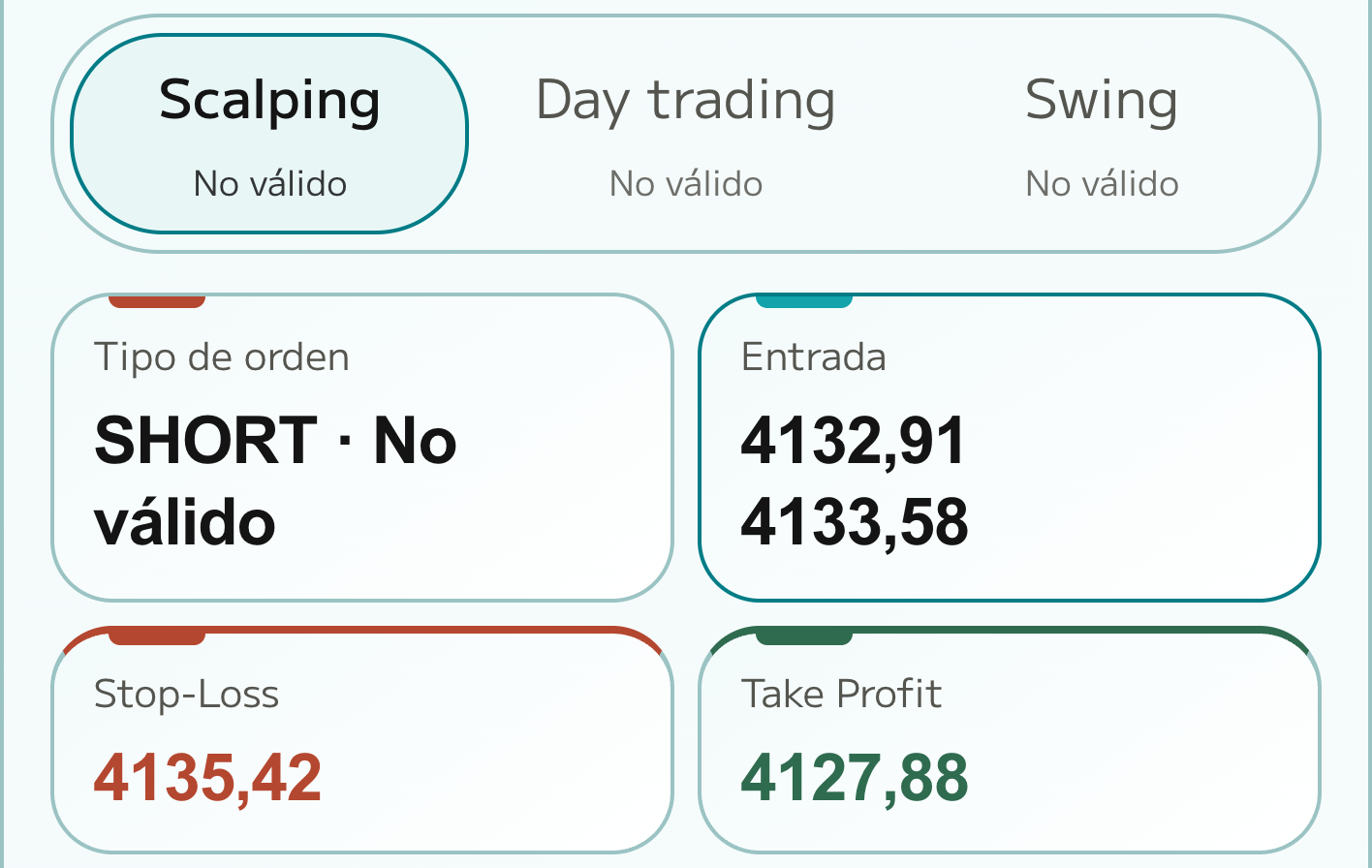
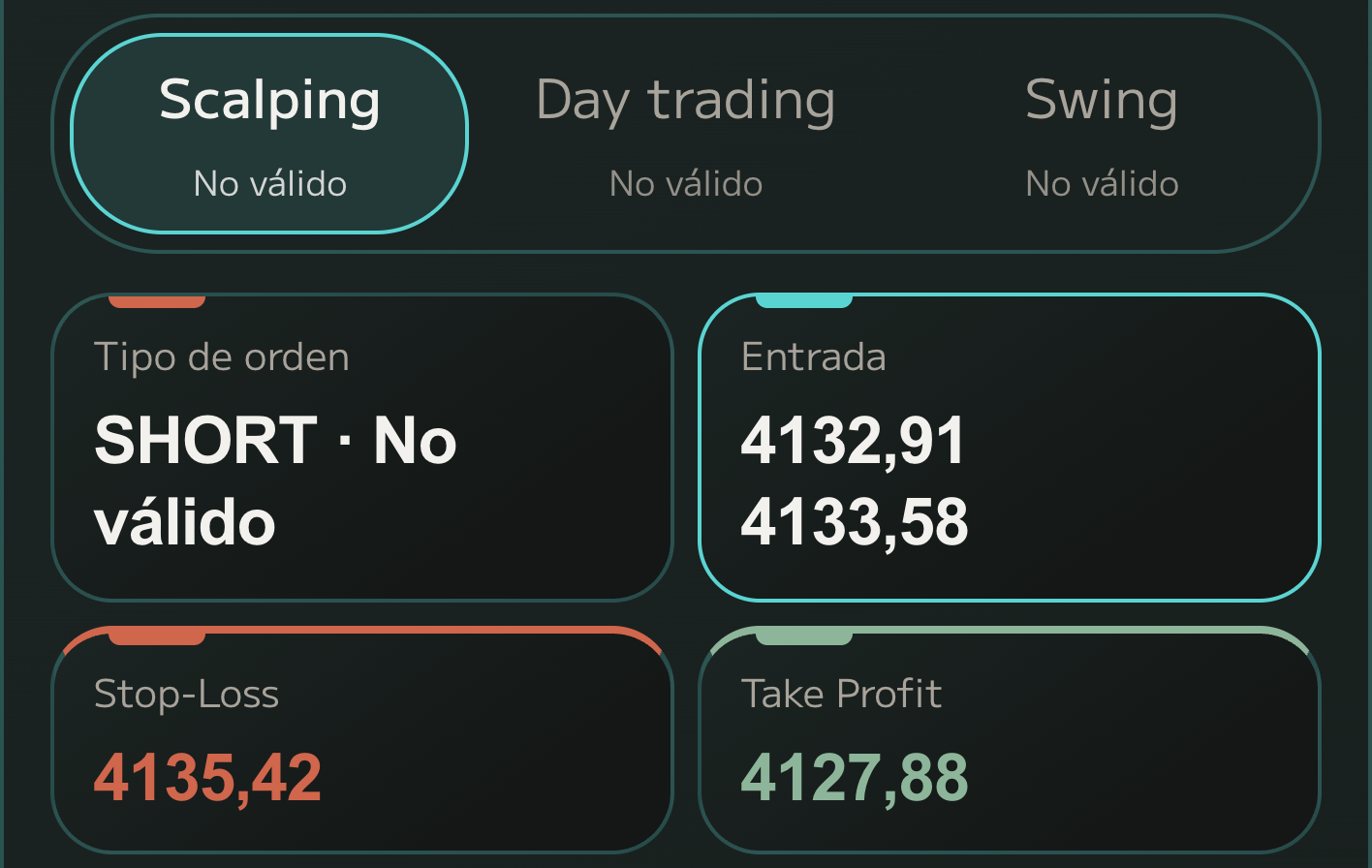
01 Screenshot
Upload your chart as it is
A screenshot from TradingView, your exchange or your broker. Up to six of the same asset, in the timeframes you trade.
02 Read
We identify the asset, free
AI reads the asset, timeframe and last visible price. If anything is unclear, it asks before a Scan is used.
03 Calculate
Levels from real data, not guesses
The levels don’t come from the image: the engine pulls real market candles and calculates structure, zones and indicators.
04 Plan
Entry, Stop Loss and Take Profit
Direction, entry zone, Stop Loss, Take Profit and R:R, for Scalping, Day and Swing. You decide whether to take it.
-
01 Screenshot
A screenshot from TradingView, your exchange or your broker. Up to six of the same asset, in the timeframes you trade.
-
02 Read
AI reads the asset, timeframe and last visible price. If anything is unclear, it asks before a Scan is used.
-
03 Calculate
The levels don’t come from the image: the engine pulls real market candles and calculates structure, zones and indicators.
-
04 Plan
Direction, entry zone, Stop Loss, Take Profit and R:R, for Scalping, Day and Swing. You decide whether to take it.
Why use ScanMyChart
- Test your idea before you execute.
- Compare entry, Take Profit and Stop Loss in one view.
- Review structure, indicators and key zones with their reasoning.
- Compare Scalping, Day trading and Swing.
- Save your analyses and return to them whenever you need.
Questions
Is this financial advice?
No. ScanMyChart is an analysis tool. It reads the chart you upload and returns a plan with levels and risk. You decide and you execute.
Which charts can I scan?
Candlestick chart screenshots from TradingView, your exchange or your broker app. There is market data for spot crypto (Binance, Kraken and Coinbase), forex, metals such as gold and silver, and US-listed stocks and ETFs. Perpetuals, futures and CFD indices are out of coverage. Up to 3 screenshots of the same asset per Scan with Basic, up to 6 with Pro.
What is a Scan?
One analysis of one asset from your screenshots: up to 3 with Basic, up to 6 with Pro. With the free trial and Basic you choose scalping, day or swing; with Pro you get scalping, day and swing, all at once. Opening saved results is free.
When is a Scan used?
Only when the engine calculates the plan from market data. Identifying the screenshot is free. If the asset is out of coverage, data is missing or the analysis fails, the Scan goes back to your account. If the screenshot is more than 24 hours old, you are warned before it is used.
What if there is no clear entry?
It tells you. Every plan shows the track record of the validated rule behind it. When that rule sees no entry, the plan you see is labelled as a reference plan, with its reasons, so you know exactly what you are looking at.
Does it predict where price is going?
No. It gives no probabilities or guarantees. It calculates a plan from real market candles: where it makes sense to enter, where the idea is invalidated and what the trade pays for the risk.
What do the 2 free Scans include?
Two complete analyses. In each one you choose scalping, day or swing. No card. One trial per verified account.